Habits, Focus & Real‑World Productivity

Productivity That Respects Your Biology

Productivity apps tell you what to do. They don't care if you have the energy to do it.

Context tracks your focus, energy, and habits alongside your sleep, stress, and health - so you can build systems that actually work with your body, not against it.

Contextual productivity

Protect your best hours and buffer the rest.

How it works
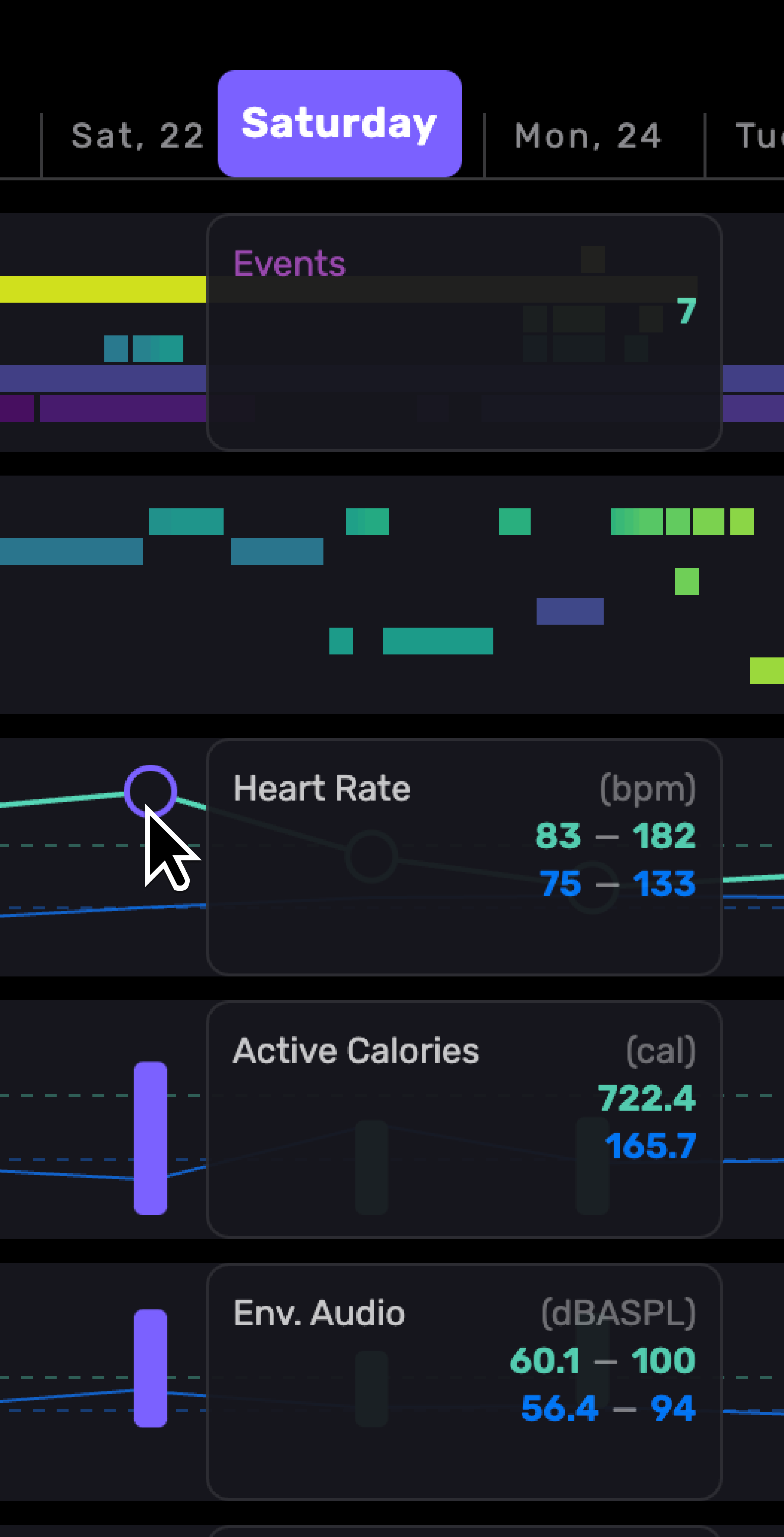
  • Deep‑work windows: detect your high‑energy blocks from recent sleep/HRV and calendar patterns.
  • Energy tags: quick annotations for mood/stress so you see why a day went the way it did.
  • Load vs recovery: watch meetings, screen time, and training against recovery headroom.

Outcomes
  • Move demanding work to your best window.
  • Swap tasks when energy dips without guilt.
  • End the day with margin, not debt.

Habits for humans 

Habits should bend before they break. On great days you do the full thing; on tough days you still do something so the chain never snaps.
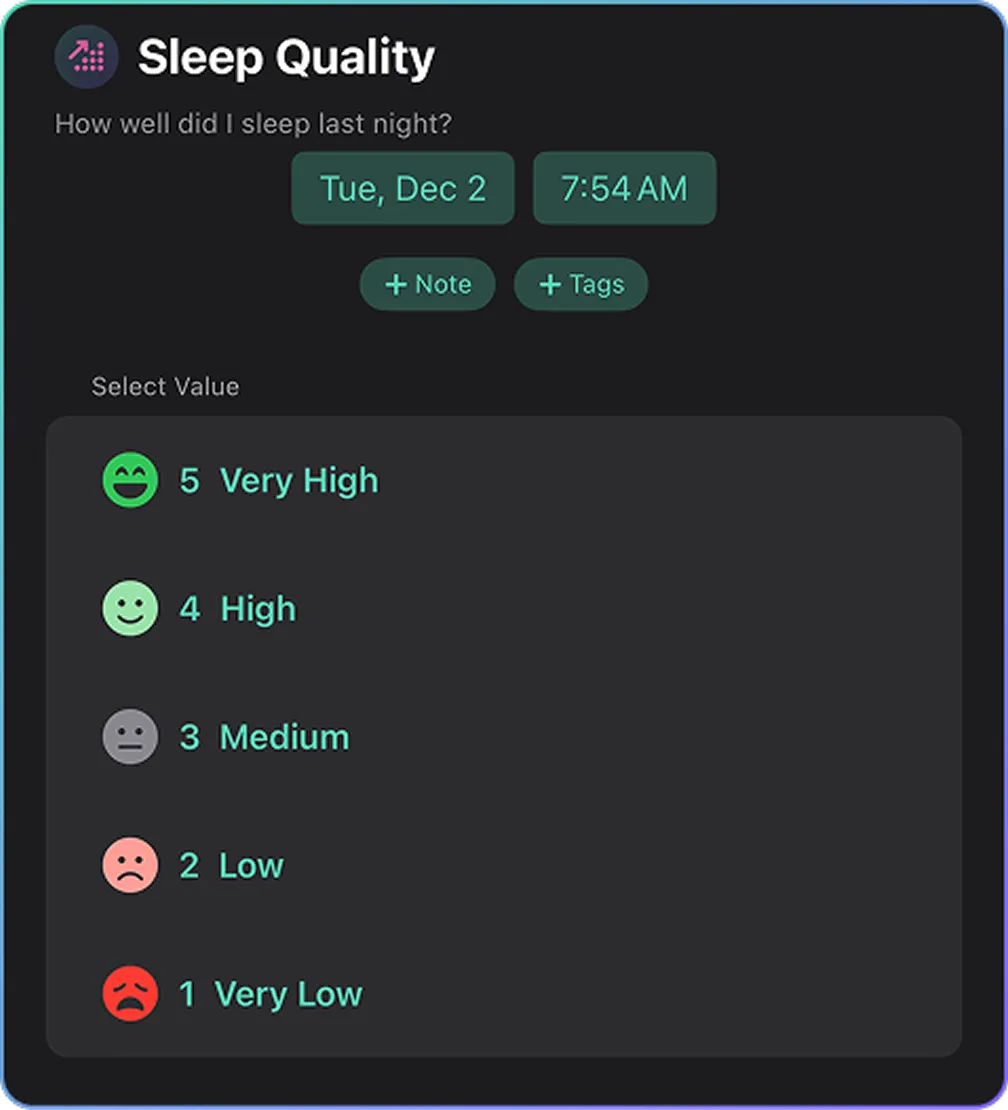
Track anything with Annotations

Annotations can be saved as a template and scheduled. You can make a 30–60s checklist that tags your day with the signals that matter.
  • Evening Annotation: Energy (1–5), Late meal (Y/N), Alcohol (Y/N), Social night (Y/N), Screen after 9pm (Y/N), Notes.
  • Focus Day Annotation: Deep‑work blocks (#), Interruptions (scale from low to high), Meetings >60m (#), Movement (Y/N), Mood (1–5), Notes.

How to use it

  1. Pick one routine (e.g., Sleep hygiene).
  2. Create an Evening Annotation template and add annotations that matter to you.
  3. At day’s end, run the Annotation (30–60s).

Workflows and real constraints 

Patterns
  • Launch seasons: show workload arcs; add recovery windows after big pushes.
  • Context switching: visualize notification spikes and meeting clusters; batch or mute.
  • ADHD‑ish brains: short, timed Focus Sessions; one‑screen capture; clear finish lines.

Tools
  • Focus Session template: timer, intention, outcome note.
  • Project arcs: Then‑vs‑Now views across planning → sprint → recovery.

Burnout watch and boundaries

Catch drift early; make boundaries visible.

Signals
  • HRV/rHR trends, sleep regularity, evening screen time, weekend spillover.

Guards
  • Boundary alerts: when meeting load or evening work exceeds your threshold.
  • Recovery rituals: two low‑stim evenings before long days; pre‑block buffers.

Share wisely
  • Share high‑level snapshots with leads/partners; trend lines, not raw logs.

Rituals and reviews

Small reviews, big payoff.

Weekly (15–20 min)
  • What worked / what cost too much.
  • Protect 2–3 peak blocks; schedule buffers.
  • Set graded habits for the week.
Monthly (30–40 min)
  • Then‑vs‑Now on energy, focus, deep‑work hours.
  • Adjust stacks (sleep, light, training) and boundaries.

FAQ

Is this just another productivity app?
No. This is a tool for understanding how your body and brain actually work so you can design systems around your reality.

Do I need to track everything?
No. Start with sleep and subjective energy. Add more if it's useful.

What if I'm not trying to optimize productivity?
That's fine. Context helps you understand your energy and capacity regardless of your ambitions. Sometimes the goal is just not burning out.

Can this help with ADHD?
Many people with ADHD find it helpful to see patterns they can't notice in the moment. But it's not a treatment, just a tool for understanding.

What about work-life balance?
Context doesn't tell you what balance should look like. It shows you what you're actually doing and how it's affecting you. The choices are yours.