A new version of Context just dropped, designed to let you save and see your data, record the Context of your life, and deliver you meaningful and actionable insights that you can use to make the changes that are important to you.
Actual useful insights, sleep at a glance, new tabs, and a smarter Focus screen, so when January-you shows up with big plans, you’ve got the tools to meet your goals.
Here’s what's new:
We’ve listened to you, and redesigned our navigation to make it easier to see your life in Context. Here’s the new layout, which you’ll find at the bottom of the app:



The Focus tab is your personal dashboard inside Context. We kept the Fun Facts and Trends you’re used to and added two big upgrades:

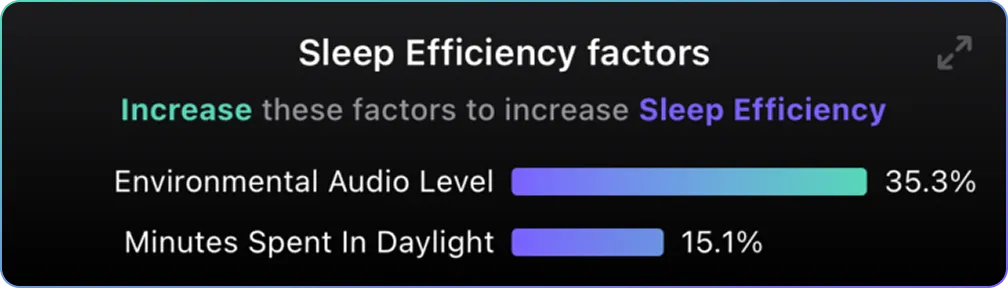
Everything starts with sleep, so front and center at the top of the new Focus tab is the first of several data deep dives we’re building to make your life easier to understand - our Sleep Focus.
You’ll find clean and detailed Sleep Outcomes, which you can tap to expand into more detailed sleep charts when you want to go deeper. Our Sleep Focus is designed to answer “how am I actually sleeping?” in a glance, not ten taps
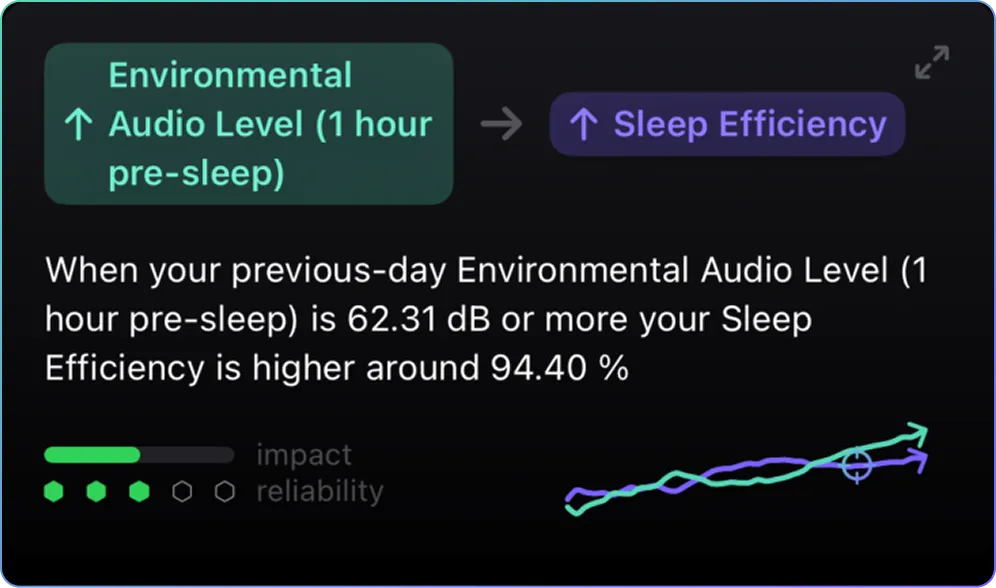
Context is made up of Data Tracks: those that come from the devices in your life, and those that you add from the Record tab. Our insights dive into the real relationships between these Data Tracks so you can see cause and effect at a glance. Expand insights for even more detail, and start finding the levers that move you towards your goals.
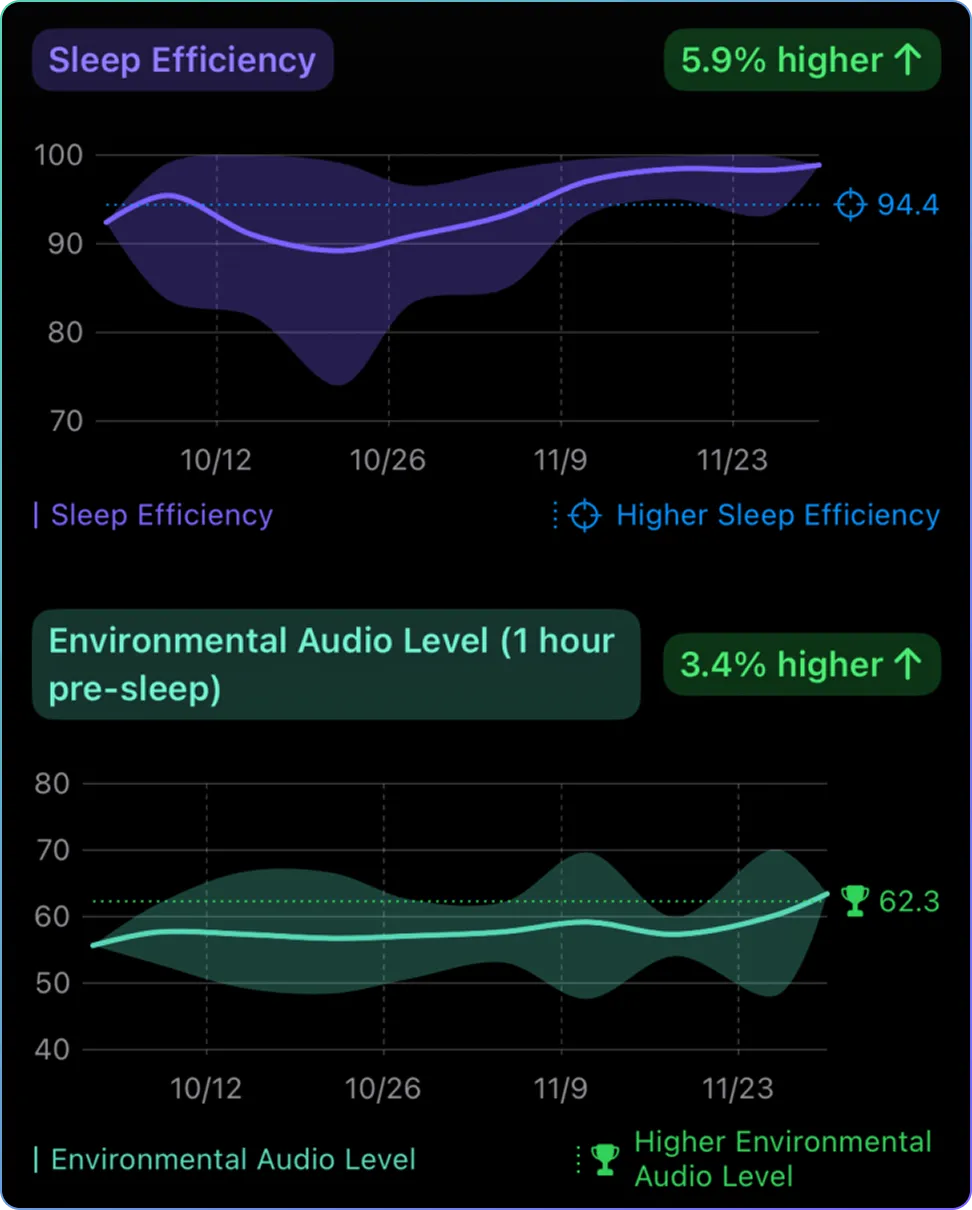
We’re adding more insights all the time, so tell us what you want to see by joining our Discord, or reach out to us via email or through Context itself.
Supplements, saunas, symptoms, stress: there’s a lot more Context to your life than your devices can see. We’ve built the Record tab to let you add this Context with as little friction as possible, and use it to gain more insight into what’s working, what isn’t and what causes what.
The Record tab lets you choose from our suggested Data Tracks and Annotations, create your own, and schedule reminders so you can easily add Context to your Fulcra data store.
You can see this additional Context on your Timeline, and we can use it to deliver you more and more insights as Context grows.
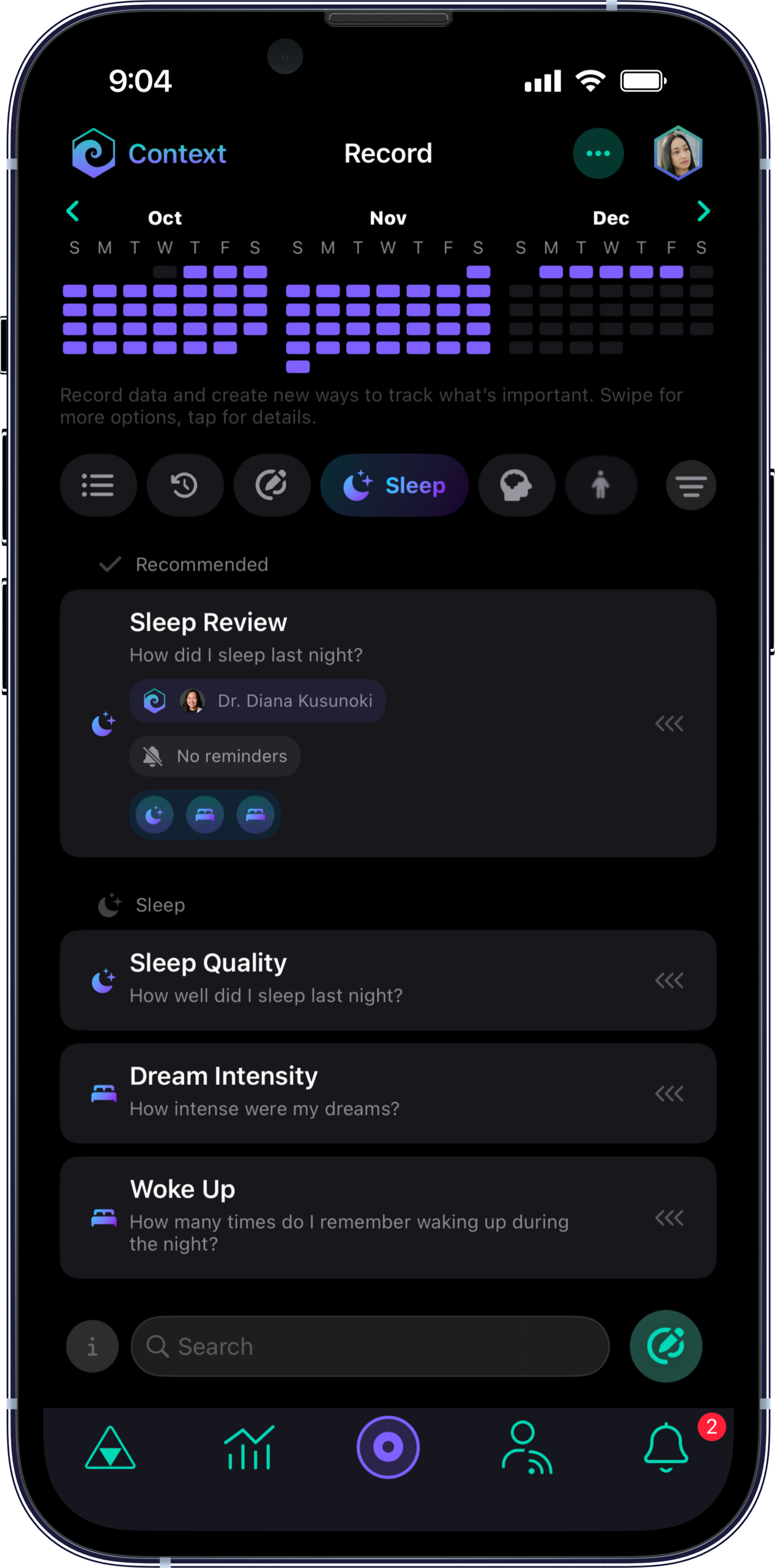
We’ve added pre-built Recommended Annotations, with input from some of the best practitioners, and we’ve got more to come.
We’ve neatly organized them into these categories:
You can:
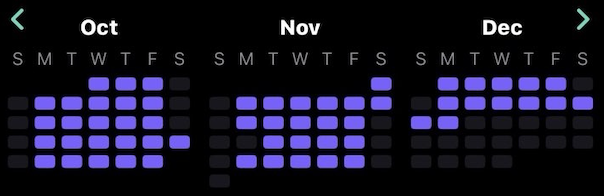
Everything in the record tab can be easily tapped to bring up a calendar that will display all the days when recordings took place. This is similar to your Timeline, but an easy way to view data tracks organized by Annotations. You can think of it as a mini, convenient, Timeline of data you recorded.
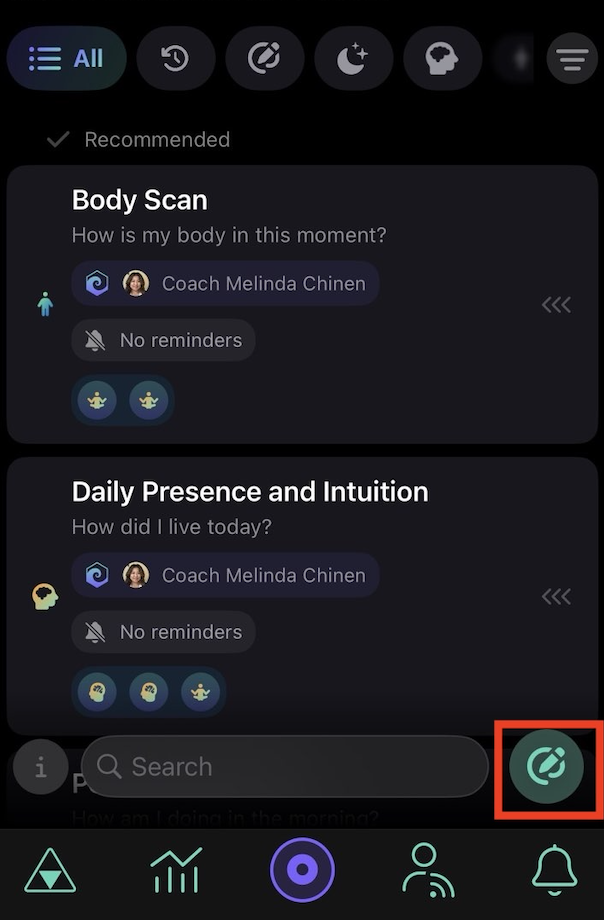
Don’t like any of the pre-built Annotations? No problem!
You can still create your own by tapping the Create button on the bottom right corner of the Record tab.
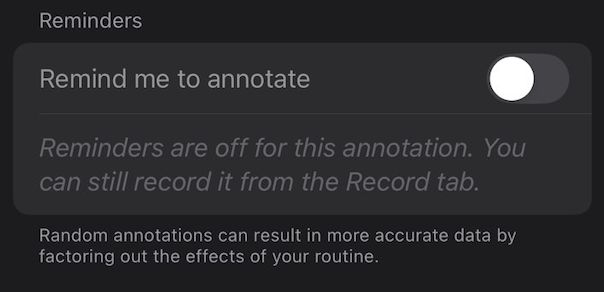
You can turn on reminders so it becomes easier to remember to Annotate. When a reminder fires, you get a notification you can tap to record right away. You can schedule reminders or choose random reminders for more accurate data that factors out the effects of your daily routine.
You can now filter and sort all Annotations and Data Tracks, view those recently used, or simply use the search bar!
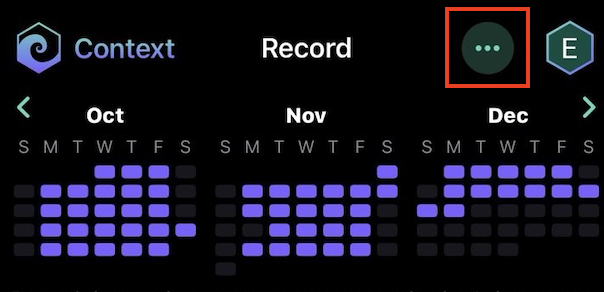
And if you ever accidentally clean house, tap the menu in the top right to view archived Data Tracks and Annotations.
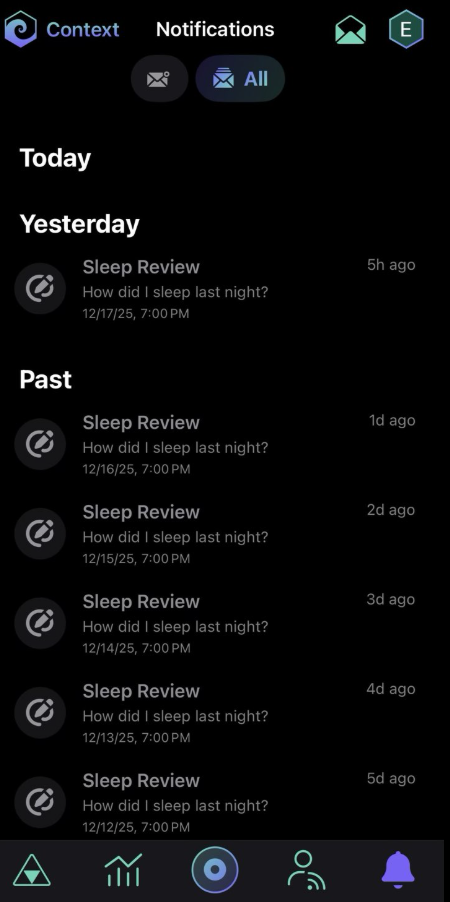
Your reminders to add Context now live in our Notifications tab, where you can see recent notifications or all your notifications, and record or dismiss the ones you want.
Missed a reminder to add Context? We’ve got you covered: choose the reminder from the Notifications tab, record your Context, and before you save, set the date and time to when you’d like the Context to show up on your Timeline.

You can find your Context settings by clicking your profile picture, and do things like:
Just in case your missed it, check out our MCP server to get your Context into the AI Agent of your choice.
We’re not done yet! This release is a major upgrade to Context, and we wanted to get it to you before the New Year, but we’ve got lots more in store. Expect more frequent updates to add insights, focuses and more.
Our all new Context was built based on a year of user feedback; tell us how we did! We’re building this for you, and want you to tell us what you want next. Join our Discord to give us feedback and suggestions.
♥️ The Fulcra Team

Fulcra was designed by people who get privacy and know the importance of an infrastructure solution that can be the secure private datastore for the rest of your life. Here data is yours, under your control, and only shared with the people and tools you choose to share it with.



.png)